2026 multi-track stem management
Best online MIDI splitter and merger in 2026: Type 0 vs Type 1 stem guide
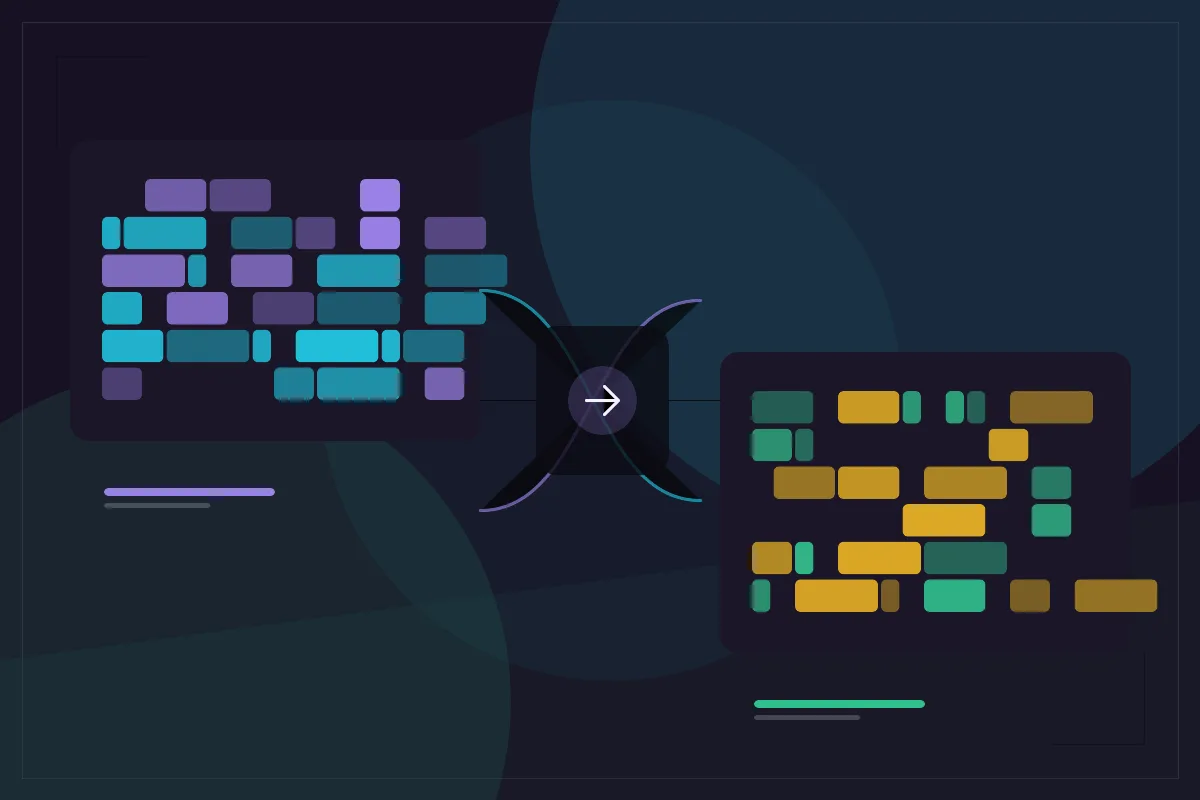
Working with real MIDI packs, AI stem transcriptions, and hardware arranger files constantly forces two structural jobs: splitting one crammed Type 0 file into separate instrument stems, or merging separate drum, bass, and chord .mid files into one unified Type 1 arrangement. Simple scripts silently break these operations by ignoring PPQ tick mismatches or colliding channels. This 2026 guide compares browser MIDI splitter and merger tools so your multi-track handoffs stay tight.
What matters most
- Type 0 MIDI packs every channel into a single track; Type 1 stores each instrument on its own track alongside a shared tempo conductor track.
- Merging a 960 PPQ file into a 480 PPQ base without tick rescaling makes the second track play at half speed — EditMIDI rescales ticks automatically.
- Splitting a multi-track file must copy SetTempo and TimeSignature meta events into each extracted stem so every part lines up in your DAW.
- Keep General MIDI drums isolated on Channel 10 when merging beats with melodic stems to prevent program-change collisions.
- Everything runs locally in browser memory up to 5 MB, 64 tracks, and 20,000 events with zero uploads.
Type 0 vs Type 1 MIDI: why splitting and merging fail in naive tools
Every Standard MIDI File header declares a format number: Type 0 (single merged track holding up to 16 channels) or Type 1 (multiple synchronous tracks sharing a global tempo map). Hardware keyboards, older karaoke archives, and certain synth sequencers still export Type 0 files. When you drag a Type 0 file into some beatmakers or sheet-music apps, piano, bass, and drums collapse into one tangled piano roll.
Splitting by track or channel solves Type 0 chaos immediately. Conversely, modern AI stem workflows create the opposite problem: you transcribe vocal, piano, and bass stems into three separate .mid files and need one cohesive Type 1 arrangement to drop onto your DAW timeline.
| Engineering Detail (2026) | EditMIDI Merge & Split | Basic Web Scripts | Manual DAW Import/Export |
|---|---|---|---|
| Automatic PPQ tick rescaling | Yes — rescales 2nd file to base PPQ | Rarely (causes 2x/0.5x drift) | Handled on DAW import |
| Preserves tempo map on split stems | Yes — copies tempo/time sig meta | Often drops conductor track | Requires manual export option |
| Channel 10 drum protection | Visible channel audit + remapper | Silent channel collisions | Manual track channel routing |
| Type 0 -> Type 1 channel split | Yes (/midi-splitter) | Often track-only (fails Type 0) | Yes (DAW explode by channel) |
| Local privacy & speed | 100% browser-local, ~10 seconds | Server upload required | Local, slower session launch |
The PPQ trap: why merged tracks suddenly play twice as fast
MIDI files do not store timestamps in seconds; they store delta ticks relative to the header’s Pulses Per Quarter Note (PPQ). Logic Pro often exports at 480 PPQ, Ableton Live defaults to 96 PPQ or 480 PPQ depending on export path, and FL Studio or MuseScore projects frequently use 960 PPQ or 384 PPQ.
If you blindly append raw track bytes from a 960 PPQ melody into a 480 PPQ drum file, every quarter note in the melody stretches across two beats — playing at exactly half speed. EditMIDI MIDI Merge treats the first file as your timing master and rescales every tick event in the second file proportionally to the base PPQ so bar 1, bar 5, and bar 9 lock together cleanly.
- Always load the file with the authoritative tempo map first as your base file.
- After merging, inspect channels in the track list: if both source files used Channel 1 with different Program Changes, remap one track with MIDI Channel Changer.
- Run the built-in Compatibility Checker before export to confirm valid End-of-Track markers on every merged lane.
Clean stem splitting for hardware sequencers, Ableton, and sheet music
Hardware grooveboxes like MPC, Elektron Digitakt, and Polyend Tracker prefer clean single-track MIDI clips rather than 16-track General MIDI songs. Using EditMIDI MIDI Splitter lets you inspect every track and channel inside a Type 0 or Type 1 song, toggle only the bassline, melody, or drum kit you want, and export standalone .mid files that carry the original BPM and time signature intact.
Music educators also use MIDI Splitter before classroom assignments — splitting a full band arrangement into individual flute, trumpet, and percussion practice files in under a minute on a Chromebook.
- Open Merge MIDI Files tool — combine two .mid files with automatic PPQ scaling
- Open MIDI Splitter tool — extract track or channel stems with tempo preserved
- Multi-Track MIDI Editor — manage up to 64 tracks, channels 1–16, mute/solo
Checking channel limits and event budgets before exporting
Standard MIDI supports 16 channels per port, and EditMIDI handles up to 64 tracks and 20,000 events locally in the browser. If merging two dense orchestral files approaches the 20,000-event ceiling, strip redundant controller density (such as dense pitch-bend or expression CC streams recorded at 100 Hz) before merging, or split the song into logical song sections using MIDI Trimmer.
Real-world stem workflows: AI packs, worship rigs, and band rehearsals
Consider three daily production scenarios where fast browser splitting and merging beat opening a full desktop sequencer. First, sample-pack producers assembling multi-stem MIDI construction kits often receive separate drum, bass, and chord clips authored in different DAWs at different PPQ settings (96, 480, and 960 PPQ). Merging them through EditMIDI automatically normalizes every stem onto one unified PPQ clock so buyers drop a single Type 1 file straight into any DAW without half-speed glitches.
Second, live keyboardists and church music directors running hardware playback rigs frequently inherit packed Type 0 General MIDI songs where melody cues, guide clicks, bass, and brass sit tangled in one track. Running MIDI Splitter by channel separates each instrument into clean standalone files in seconds, making it effortless to mute the lead melody or isolate a rehearsal bass track.
Third, film composers and school band arrangers preparing sectional practice files can split an eight-track score into individual brass, woodwind, and percussion .mid files — each retaining the original tempo changes and meter shifts — and share them with students immediately on Chromebooks with zero logins or cloud upload delays.
Test the merge workflow right now in the embedded browser bench below: click Try Demo Track to load a multi-track loop alongside a piano stem automatically, verify the combined track and note counts in the Track DNA card, and export a clean Type 1 .mid without opening a DAW.
Questions and answers
What happens if I merge two MIDI files with different BPM tempos?
EditMIDI uses the first file’s header PPQ and tempo map as the master clock and rescales the second file’s note ticks to match. Always load the file carrying your desired tempo map first.
Can EditMIDI split a Type 0 single-track MIDI file into separate instrument stems?
Yes. /midi-splitter lets you split by track or by MIDI channel (1–16), separating piano, bass, melody, and Channel 10 drums from a Type 0 file into clean individual .mid downloads.
Do split MIDI stems keep the original song tempo and time signature?
Yes. EditMIDI copies the conductor track’s SetTempo and TimeSignature events into each exported stem so it lines up accurately when imported into Ableton, FL Studio, or MuseScore.
How many tracks can I combine in EditMIDI?
EditMIDI supports Standard MIDI File Type 0 and Type 1 documents up to 5 MB, 64 tracks, and 20,000 events directly inside your browser.
Was this comparison helpful?